August 14, 2026 • Declan Marsh • 10 min reading time • Prices verified June 11, 2026
SD Card Counterfeits, Compatibility Problems, and What Real Photographers Actually Buy
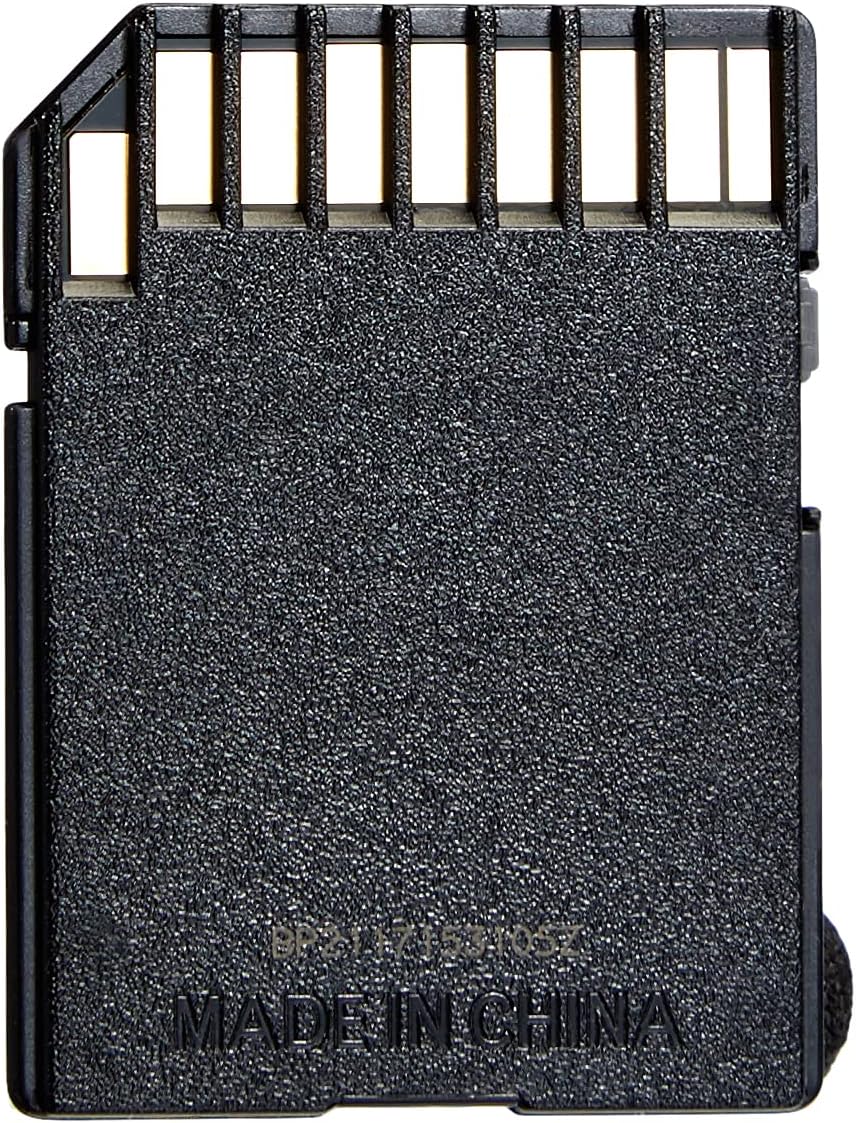
An SD card is simply a small removable storage chip that slides into your camera and holds your photos and videos — the digital equivalent of a roll of film. Unlike film, though, not all SD cards perform equally, and the wrong one can cause dropped frames, corrupted files, or a camera that refuses to record at all. If you’ve ever seen a mirrorless camera flash a “card error” message mid-shoot, or wondered why Amazon has the same-looking SanDisk card listed by six different sellers at wildly different prices, this guide is written for you. By the end, you’ll know exactly which speed class your camera actually needs, how to spot a counterfeit before it destroys a wedding reception’s worth of footage, and whether spending extra on a premium card is money well spent or a marketing trap.
| EDITOR'S PICK[SANDISK 256GB Extreme PRO SDXC](https://www.amazon.com/dp/B09X7CFXSX?tag=greenflower20-20)… | Mid-tier【5-Years Data Recovery】 GIGASTO… | Budget pick[SanDisk 128GB Ultra SDXC UHS-I](https://www.amazon.com/dp/B0B7NS71G2?tag=greenflower20-20)… | |
|---|---|---|---|
| Capacity | 256GB | 128GB | 128GB |
| Speed Class | U3, V30 | U3, V30 | U1 |
| App Rating | — | A1 | — |
| Max Read Speed | — | — | 100MB/s |
| 4K Video | ✓ | ✓ | ✗ |
| Data Recovery | — | ✓ | — |
| Price | $84.99 | $49.99 | $33.90 |
| See on Amazon → | See on Amazon → | See on Amazon → |
Speed Ratings Actually Mean Something — Here’s the Translation
The SD card aisle — physical or virtual — is full of acronyms: Class 10, U1, U3, V30, V60, V90. Manufacturers aren’t being deliberately confusing; these are layered standards from the SD Association, each introduced as video resolutions increased. Here’s the practical translation:
| Rating | Minimum Sequential Write | Good For |
|---|---|---|
| Class 10 / U1 | 10 MB/s | Full HD video, JPEG burst |
| U3 / V30 | 30 MB/s | 4K video, RAW burst shooting |
| V60 | 60 MB/s | High-bitrate 4K, slow RAW burst on demanding bodies |
| V90 | 90 MB/s | 8K, Cinema RAW, high-fps sports burst |
The critical insight is that these are minimum guaranteed write speeds, not typical or peak speeds. A card rated U3/V30 must sustain 30 MB/s even under thermal load or when the card is nearly full. Marketing-sheet “up to” numbers — often listed as 150 MB/s, 190 MB/s, or higher — describe peak sequential reads used for transferring files to your computer, not sustained camera writes. Photography Life’s memory card comparison guide makes this distinction clearly and is worth bookmarking: the read speed matters for your workflow; the write speed class matters for your camera.
For most photographers shooting RAW stills on an APS-C or full-frame mirrorless body, a U3/V30 card is the practical floor in 2026. If you’re shooting compressed 4K video on a Sony a7 IV or Fujifilm X-T5, U3/V30 is sufficient and well-documented by owners in aggregated reviews. If you’re recording in All-Intra codecs or using a body that shoots Cinema RAW internally, V60 or V90 becomes genuinely necessary — not a nice-to-have.
The Counterfeit Problem Is Real, and Amazon Is Ground Zero
Here’s the uncomfortable truth: Amazon’s marketplace model allows third-party sellers to commingle inventory with authentic stock, which means a card shipped and sold by a reputable storefront can physically be a counterfeit unit from a different seller’s inventory. PetaPixel’s reporting on fake SD cards — published across multiple years — documents this specifically, noting that counterfeit SanDisk and Samsung cards are sophisticated enough to pass visual inspection and even report the correct capacity to a host device. The failure mode is insidious: the card appears to work, writes data, then either corrupts files quietly or fails catastrophically under sustained load.
Across aggregated long-form reviews of 1TB Lexar cards on major retail platforms, a recurring pattern is buyers who explicitly ran multi-hour verification tests before trusting the card with real work — a behavior that should be standard practice, not enthusiast overcaution. The tools that make this practical:
- H2testw (Windows) — writes a test pattern across the full card capacity and reads it back to verify. A genuine 1TB card takes roughly 3–5 hours to fully verify; a fake will fail or report errors partway through.
- F3 (Linux/macOS) — equivalent open-source alternative.
- SD Association’s SD Memory Card Formatter — not a counterfeit test per se, but proper formatting before first use and after camera use is good hygiene.
The most reliable counterfeit mitigation is buying from a source that controls its own inventory: direct from the manufacturer’s own storefront, from a brick-and-mortar camera retailer like a local shop or authorized dealer, or from a retailer whose fulfilled-by-them logistics you can verify. Wirecutter’s SD card guide consistently flags this buying-channel risk and recommends authorized sellers over lowest-price marketplace listings — solid advice that aggregated owner experience confirms.
If you’ve already bought a card through a marketplace listing and skipped verification: run H2testw tonight before your next shoot. This is not paranoia; it’s the same logic as checking tire pressure before a road trip.
SanDisk Ultra vs. Extreme PRO — Honest Trade-Off Analysis
This is the question that generates the most confused purchasing decisions, largely because review aggregates blend incompatible use cases. A Wii console owner storing game saves, a wildlife game camera owner swapping cards monthly, and a photographer shooting RAW bursts on a Sony a6700 are all leaving five-star reviews for the same SanDisk Ultra listing — and their experiences tell you nothing about yours.
SanDisk Ultra is a U1/Class 10 card with peak reads around 150 MB/s. Owners across non-demanding use cases — point-and-shoot cameras, action cameras, document scanning, casual video — consistently report zero issues. The implicit argument these reviews make: for light use, it delivers what it promises.
SanDisk Extreme PRO is rated U3/V30 (or V60/V90 in its UHS-II variants), with sustained write speeds that matter to cameras with fast internal buses. The meaningful difference isn’t peak read speed; it’s that the Extreme PRO’s sustained write buffer is designed for the kind of continuous stress a mirrorless body in RAW burst mode actually applies.
The practical decision frame:
- Shooting JPEG or H.264 compressed video at 1080p or casual 4K? The Ultra handles this. Owners of Fujifilm X-series bodies in JPEG-priority mode report no bottlenecking.
- Shooting RAW burst, 10-bit 4K All-I, or any high-bitrate video format? The Extreme PRO’s U3/V30 rating is the minimum you should accept, and V60 is worth considering if you’re pushing frame rates.
- Shooting on a Sony a7 IV, a6700, or similar demanding modern mirrorless? Reviewers who specifically note 4K performance on these bodies — including at least one detailed account citing flawless a7 IV 4K recording on a Gigastone U3/V30 card — confirm that the U3/V30 floor is functional. The a7 IV’s 4K recording bitrate sits comfortably within what any legitimate U3/V30 card sustains.
Dollar spread in mid-2026: expect to pay roughly 1.5–2× more for an Extreme PRO over an Ultra at equivalent capacity. At 64GB, that gap is modest enough that most mirrorless photographers should default to the Extreme PRO simply to eliminate the variable.
Is 64GB Enough for a Full Shooting Day?
This is one of the most practically consequential questions, and the honest answer depends on your format choices more than your camera brand.
By the numbers:
- Uncompressed 14-bit RAW on a 33MP Sony a7 IV: ~80MB per file → ~800 images on a 64GB card
- Fujifilm X-T5 Lossless Compressed RAW (~40MP): ~60MB per file → ~1,000 images on 64GB
- 4K 60fps H.265 on Sony a7 IV: ~200MB/minute → roughly 5 hours on 64GB
For a wedding photographer shooting RAW all day, 64GB is tight — not impossible, but tight enough that you’ll be watching your card indicator during the reception. The professional-standard practice documented in lensrentals.com’s gear-workflow coverage is to carry multiple smaller cards rather than rely on one large card, specifically to limit the damage if a single card fails or is lost. Dual-card camera bodies (like the a7 IV, which has two card slots) enable this strategy natively by writing identical copies to both cards simultaneously.
For a portrait session, street shooting day, or event with natural breaks: 64GB in RAW is usually enough. For a 10-hour wedding, 128GB is a more comfortable floor.
What About Gigastone’s Data Recovery Service?
Gigastone markets a 5-year data recovery service bundled with some of its cards, which sounds valuable until you read the terms carefully. Based on published documentation of similar programs across the industry, these services typically cover physical media failure — the card stops being recognized — not logical corruption caused by camera errors, improper ejection, or file system damage. PetaPixel’s coverage of data recovery services in the camera storage space has consistently noted that logical corruption (the most common real-world failure mode when a card is removed mid-write or a battery dies during recording) falls outside most bundled recovery warranties.
The practical implication: treat any bundled recovery service as a last-resort backstop for hardware failure, not a substitute for redundant backup habits. The real recovery plan is a dual-slot body, same-session card swaps, and same-night backup to a portable drive or cloud sync.
Frequently Asked Questions
How do I verify that an SD card from Amazon is not counterfeit?
Run a full-capacity write-and-read test using H2testw (Windows) or F3 (macOS/Linux) before trusting the card with real work. A genuine card will complete the test without errors and at speeds consistent with its rating. A counterfeit will either fail, report errors, or show dramatically slower write speeds than the spec sheet promises. Budget 3–5 hours for a 1TB card. Do this before every shoot if you bought from an unfamiliar marketplace seller.
Does the Sony a7 IV or a6700 require a U3/V30 card for 4K video?
Yes, practically. Sony’s official guidance for both bodies recommends U3/V30 as the minimum for 4K recording. Owner reports across aggregated reviews confirm that U1 cards cause recording interruptions under 4K load. U3/V30 is the functional floor; the specific card brand matters less than hitting that sustained write rating from a verified genuine card.
What is the real difference between SanDisk Ultra and Extreme PRO for everyday photography?
For JPEG shooting, 1080p video, and casual use: the Ultra is sufficient. For RAW burst, 4K video, or any high-bitrate recording on a modern mirrorless body: the Extreme PRO’s U3/V30 sustained write speed is the meaningful upgrade. The read-speed difference matters for computer transfer workflows, not camera performance.
Is 64GB enough for a full day of shooting RAW on a mirrorless camera?
For most portrait sessions, street days, and events with natural breaks: yes. For all-day documentary or wedding work in full RAW, 128GB is a more comfortable standard. A dual-card body writing redundant copies across two 64GB cards is a common professional setup that simultaneously solves capacity and redundancy.
Does the Gigastone 5-year data recovery service actually cover corruption from camera errors?
Based on published program terms for comparable industry services, almost certainly not. These programs are designed for hardware (physical media) failure, not logical corruption from camera-side errors, power interruptions, or improper ejection. Treat it as a limited-scope backstop, not a substitute for dual-card redundancy and same-day backup.
The Decision Rule
If you’re shooting on a modern mirrorless body — Sony, Fujifilm, Canon R-series, Nikon Z-series — in RAW or 4K video, buy a verified genuine U3/V30 card from a controlled-inventory source, run H2testw before your first shoot, and carry at least two cards. If your body has dual slots, use both.
If you’re shooting JPEG-primary on a point-and-shoot, a travel camera, or a casual hybrid setup, a genuine U1/Class 10 card from a reputable source is genuinely enough — and you won’t gain anything by spending up.
The only scenario where neither choice matters: buying from an unverified marketplace seller at a suspiciously low price. That’s not a deal. That’s a liability.