September 17, 2026 • Declan Marsh • 10 min reading time • Prices verified June 11, 2026
SD Card Overkill or Essential: Ultra vs. Extreme PRO and Who Actually Needs Which
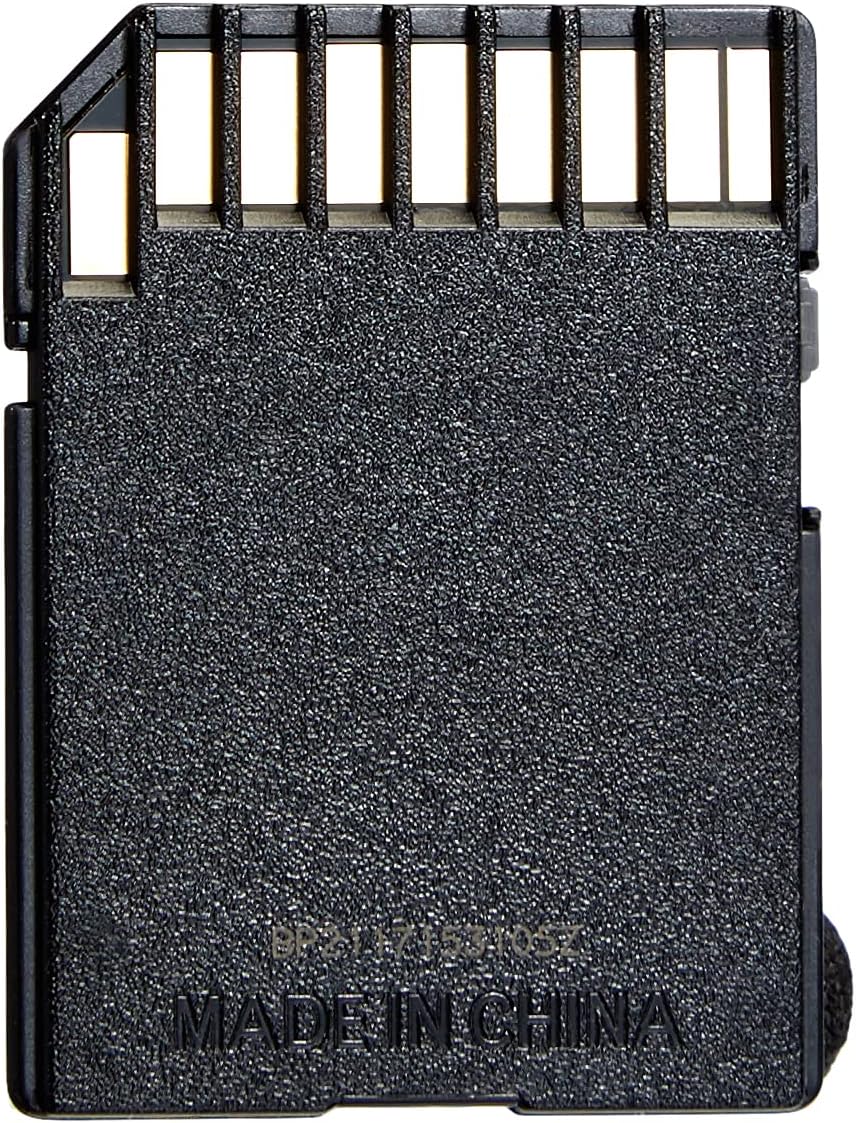
An SD card is the removable memory chip that lives in your camera — it’s where every photo and video you shoot is permanently saved once it leaves the camera’s small, temporary internal memory (called the buffer). The buffer is like a short waiting room: images queue there right after you press the shutter, then transfer to the SD card as fast as the card allows. Buy a card that’s too slow and that waiting room fills up, forcing you to pause mid-burst. Buy one that’s faster than your camera can use and you’ve spent real money on speed that never gets exercised. This guide cuts through the marketing language on the packaging and gives you a single, honest framework: match the card to the camera, not to the aspirational shooter you imagine yourself becoming.
The two products at the center of this conversation are the SanDisk Ultra and the SanDisk Extreme PRO — the two most widely purchased SD card lines in 2026. The Ultra is the everyday workhorse; the Extreme PRO is the pro-tier option that commands a meaningful price premium. Neither is universally better. The right answer depends almost entirely on what body you’re shooting and what kind of footage or burst sequences you’re pulling.
| EDITOR'S PICK[SANDISK 256GB Extreme PRO SDXC](https://www.amazon.com/dp/B0BP2VXL9W?tag=greenflower20-20)… | Mid-tier【5-Years Data Recovery】 GIGASTO… | Budget pick[SanDisk 128GB Ultra SDXC UHS-I](https://www.amazon.com/dp/B0B7NS71G2?tag=greenflower20-20)… | |
|---|---|---|---|
| Capacity | 256GB | 128GB | 128GB |
| Speed Class | U3 / V30 | U3 / V30 | U1 |
| App Perf Class | — | A1 | — |
| Rated Read Speed | — | — | 100MB/s |
| Video Rating | 4K UHD | 4K UHD | Full HD |
| Data Recovery | — | ✓ | — |
| Price | $84.99 | $49.99 | $33.90 |
| See on Amazon → | See on Amazon → | See on Amazon → |
The Buffer Truth Nobody Puts on the Box
Here is the single most underreported fact in SD card marketing: in most cameras, the camera’s internal buffer fills before the card’s write speed becomes the limiting factor.
Photography Life’s breakdown of SD card speeds and camera buffers makes this plain: a camera’s buffer capacity — measured in how many RAW frames it can hold before it has to pause — is a hardware ceiling set at the factory. A faster card empties that buffer more quickly between bursts, which does help, but it cannot increase how many frames the camera can shoot before it stalls in the first place.
This is exactly what a Nikon D7100 owner documented in aggregated owner reviews across the board. The shooter purchased a SanDisk Extreme PRO specifically hoping to extend burst sequences, then candidly reported that the card performed flawlessly — but the D7100’s notoriously shallow 6-frame RAW buffer was always the ceiling. The card drained that buffer faster between bursts, which is a real (if modest) benefit. But no card was going to turn a 6-frame buffer into a 20-frame one.
The practical takeaway for anyone shooting a mid-range APS-C body — think current Fujifilm X-S series, entry Sony a6xxx, or Canon Rebel/R line — is that stepping up from Ultra to Extreme PRO buys you marginally faster buffer recovery, not more burst depth. If you’re on a body with a generous buffer (Sony a9 III, Nikon Z9, Canon R3), the math flips: those cameras can push sustained write loads that make a fast card genuinely necessary.
DPReview’s explainer on SD speed classes backs this up: the Video Speed Class rating (V30, V60, V90) on the label tells you the minimum sustained write speed the card guarantees — and V30 (30 MB/s minimum) is sufficient for nearly all 4K video up to 100 Mbps, which covers the vast majority of mirrorless cameras on the market today.
What the Two Tiers Actually Deliver
SanDisk Ultra (manufacturer-rated at 140 MB/s read, typically UHS-I / U1 / V10 or V30 depending on version): Designed for casual photography and HD video. The V10 versions are fine for 1080p; the V30-rated variants handle 4K on cameras whose internal recording codec doesn’t demand extreme write headroom. Owners overwhelmingly report it as invisible in normal use — it just works, quietly, without drama. One owner in aggregated reviews noted they received a 140 MB/s variant when they’d ordered a 100 MB/s version and couldn’t perceive any difference whatsoever. That’s informative: at this end of the spectrum, small speed increments don’t translate to felt experience.
SanDisk Extreme PRO (manufacturer-rated up to 200 MB/s read / 140 MB/s write, UHS-I / U3 / V30; UHS-II versions rated up to 300 MB/s read): Built for sustained high-bitrate 4K and 8K, RAW video, and high-volume burst shooting where buffer recovery time matters. The write speed spec — not the headline read speed — is what separates this tier. Wirecutter’s SD card analysis consistently highlights that write speed is the operative number for photographers, since read speed primarily affects how fast you can transfer files to a computer. Extreme PRO owners in long-run reviews frame their choice in reliability terms as much as speed terms. One reviewer stated it plainly: “If a card fails, you don’t get a second chance.” At a wedding, on a wildlife assignment, or mid-ceremony, that logic is sound.
By the Numbers
| Card | Rated Read | Rated Write | Speed Class | Practical Use Case |
|---|---|---|---|---|
| SanDisk Ultra (V10) | 140 MB/s | ~10 MB/s sustained | U1 / V10 | HD video, casual stills, older bodies |
| SanDisk Ultra (V30) | 140 MB/s | ~30 MB/s sustained | U3 / V30 | 4K up to ~100 Mbps, entry mirrorless |
| SanDisk Extreme PRO (UHS-I) | 200 MB/s | 140 MB/s | U3 / V30 | Burst-heavy APS-C, 4K high-bitrate |
| SanDisk Extreme PRO (UHS-II) | 300 MB/s | 260 MB/s | U3 / V90 | 8K, RAW video, pro bodies with UHS-II slots |
Who Actually Needs the Extreme PRO
LensRentals’ notes on storage media and camera performance make a useful distinction: the card has to match the slot standard the camera supports. A UHS-II card in a UHS-I slot performs at UHS-I speeds — you’re paying for capability the camera physically cannot access. Before spending on Extreme PRO UHS-II, confirm your body has a UHS-II slot.
You need the Extreme PRO if:
- Your camera has a UHS-II slot and you’re shooting sustained 4K above 150 Mbps or 6K/8K internally
- You’re working wedding, sports, or wildlife where burst sequences are long and card failure has professional consequences
- You’re shooting RAW video to card (BMPCC 6K, certain Sony and Nikon bodies)
- Your body has a generous buffer and you want to minimize the pause between burst sequences
The Ultra is genuinely sufficient if:
- You’re on an entry or mid-range mirrorless or DSLR with a modest RAW buffer
- Your 4K recording bitrate is at or below 100 Mbps (covers most consumer mirrorless in 2026)
- You shoot primarily JPEG or compressed RAW, which writes smaller files
- You’re a travel photographer making a few thousand frames over a full day — volume, not speed, is your actual constraint
That last group — travel shooters worrying about capacity — are often buying speed they don’t need and skimping on storage. A full day of travel photography at moderate shooting cadence (APS-C RAW + JPEG, mixed focal lengths) generates roughly 30–60 GB depending on resolution and compression. A 128 GB card is a reasonable single-day buffer; 256 GB gives genuine peace of mind without swapping. The Extreme PRO’s speed advantage matters exactly zero percent if you run out of space.
The Counterfeit Problem Is Real
PetaPixel has reported on counterfeit SD cards with enough frequency that it warrants direct treatment here. High-capacity cards — particularly 512 GB and 1 TB variants — purchased through third-party marketplace sellers carry meaningful counterfeit risk. A Lexar 1 TB buyer documented in publicly aggregated reviews running dedicated Mac disk-verification tools (Disk Utility’s First Aid, plus third-party tools like F3 and H2testw on Windows) specifically to confirm the card was legitimate before trusting it with paid work. That level of anxiety is rational given documented cases of cards that report a false capacity to the operating system while silently failing once storage fills past the true (smaller) physical limit.
Counterfeit mitigation checklist:
- Purchase from the manufacturer’s official storefront or from an authorized camera retailer
- Check the manufacturer’s website for serial number verification tools (SanDisk and Lexar both offer these as of 2026)
- On Windows, run H2testw; on Mac, use F3 or Disk Utility write-verify — both write a full test pattern across the card’s stated capacity and report discrepancies
- Packaging that looks slightly off (wrong font weight, blurry logo, missing hologram) is a disqualifier — return immediately
This is not hypothetical paranoia. It is standard operating procedure for anyone whose card holds paid client work.
Frequently Asked Questions
Does a faster SD card actually improve burst shooting speed, or is the camera the real limit? Both factors matter, but the camera’s internal buffer is usually the primary ceiling. A faster card empties the buffer more quickly between bursts, which can shorten the pause before you can fire again — but it cannot increase how many frames the camera can accept before it has to pause in the first place. On bodies with shallow buffers (many entry and mid-range cameras), the difference between a mid-tier and top-tier card is modest. On pro bodies with large buffers, a fast card earns its price by reducing recovery time meaningfully.
Is the SanDisk Ultra fast enough for 4K video recording in modern mirrorless cameras? For most mirrorless cameras shooting 4K at standard consumer bitrates (up to roughly 100 Mbps), a V30-rated Ultra is sufficient. Check your camera’s manual for the recommended Video Speed Class; if it specifies V60 or V90, you need the Extreme PRO UHS-II tier. If it says V30, the Ultra’s rated sustained write is matched to the task.
What capacity SD card do I need for a full day of travel photography? A useful rough estimate: a 24 MP APS-C body shooting compressed RAW produces files in the 25–35 MB range. One thousand frames — a heavy travel day — runs approximately 30 GB. A 128 GB card is workable; 256 GB removes the mental overhead of tracking capacity mid-day. If you also shoot video, add aggressively: a single hour of 4K at 100 Mbps is roughly 45 GB.
How do I know if an SD card I bought on Amazon is genuine and not counterfeit? Use the manufacturer’s serial number verification tool online, then run a full write-verify test using H2testw (Windows) or F3 (Mac/Linux) before trusting the card with important shoots. A counterfeit card will typically report its claimed capacity to the OS but fail or corrupt data once it exceeds its true physical capacity. When in doubt, purchase directly from an authorized camera retailer rather than a third-party marketplace seller.
Is there a meaningful difference between 100 MB/s and 140 MB/s Ultra cards for everyday camera use? Practically, no — not for in-camera shooting. Read speed (which those headline numbers describe) affects file transfer from card to computer, not write speed during shooting. The felt difference in a typical transfer session is seconds, not minutes. For shooting performance, the write speed rating is what matters, and across Ultra variants, those write speeds are within the same class.
When does it make sense to buy a 256 GB card over two 128 GB cards? Photography Life notes that many working photographers prefer two smaller cards over one large one for risk distribution — if one card fails, you lose half the day rather than all of it. That logic is sound for paid work. The single-card argument wins on convenience and on bodies with only one card slot (where swapping mid-shoot is a meaningful interruption). If your camera has dual slots and you’re using both for backup redundancy, two 128 GB cards give you full-day coverage with a safety net built in.
The Decision Rule
If your camera is an entry or mid-range body, you shoot JPEG or compressed RAW, and your 4K bitrate is at or below 100 Mbps: the Ultra V30 is your card. Buy the largest capacity that fits your day; speed is not your constraint.
If your camera has a UHS-II slot, you shoot sustained bursts in RAW, you record high-bitrate 4K or RAW video, or a card failure has professional consequences: the Extreme PRO is not overkill — it is the right tool. Confirm UHS-II slot support before paying the UHS-II premium, and buy from a verified authorized source.
The one thing neither card can do is expand your camera’s buffer. Know that going in, and you’ll spend exactly what you need to — and not a dollar more.